8 Best OpenGov ERP alternatives for Local Government
Most “OpenGov ERP alternatives” lists are useless if you actually run a government finance office.
They’re directory pages that dump 30 vendor logos on you, slap a star rating next to each, and call it a day.
None of them tells you which one fits a 12,000-person township versus a 400,000-person county.
I do public-sector ERP advisory for a living.
At KreativeCoreTech, I spend my days helping cities, counties, and special districts figure out which system to buy, why, and how to survive the implementation.
So instead of a scraped list, you’re getting the shortlist I’d actually hand a client who just told me they’re evaluating a move off OpenGov.
The problem with most of these roundups is that they’re either sold by the directory (they make money when you click “get a quote”) or written by a vendor pitching their own tool.
Neither one is going to tell you when OpenGov is actually the right call and when it isn’t.
In this post, I’m breaking down the 8 OpenGov ERP alternatives I’d genuinely put in front of a government buyer, with real pricing, honest tradeoffs, and a clear “pick this one if you’re this kind of agency.”
None of these is sponsored and I have no reseller deals with anyone on this list.
Why are public-sector teams reconsidering OpenGov in 2026?
The short answer is OpenGov changed owners and leadership, and smart buyers re-check the market whenever a vendor goes through that much change at once.
In February 2024, Cox Enterprises took majority ownership of OpenGov in a deal that valued the company at $1.8 billion, one of the largest acquisitions in govtech history.
Then in April 2026, co-founder Zac Bookman stepped down as CEO, handing the seat to former president Thiago Sá Freire.
New owner, new CEO, and a product suite that grew fast through acquisitions like Cartegraph and ProcureNow.
That’s a lot of motion for a system that’s supposed to run your general ledger for the next decade.
None of that makes OpenGov a bad product.
It’s a modern cloud ERP with a clean interface and around 1,900 agency customers.
But when a core vendor gets absorbed into a conglomerate, contracts come up for renewal, or a new module doesn’t match the sales demo, that’s when finance directors start asking what else is out there.
The timing lines up with a bigger shift, too.
According to a 2025 EY survey, 55% of state and local IT decision-makers plan to modernize legacy systems within five years, while 71% say the cost feels prohibitively high.
The government ERP market is growing right alongside that pressure, from $5.68 billion in 2026 to a projected $10.13 billion by 2031, with local government the fastest-moving tier.
So don’t feel disloyal for looking.
Checking the market is basic stewardship of public money.
Run it.
The 8 best OpenGov ERP alternatives for 2026
Here’s the detail on each, including who I’d actually recommend it to.
1. Tyler Technologies
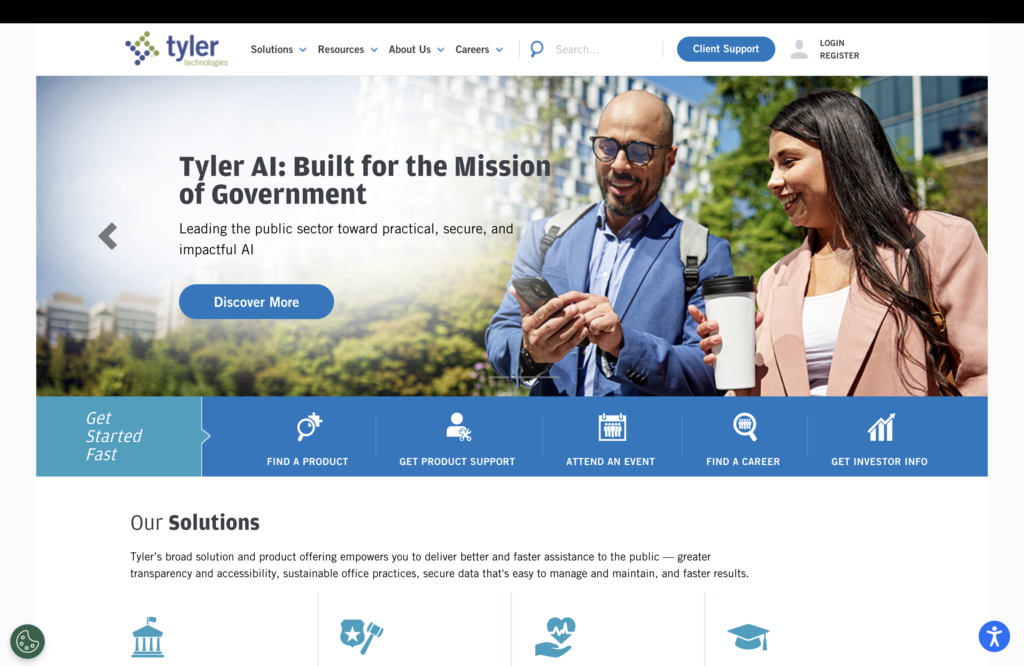
Tyler is the one to beat, and for most mid-to-large local governments, it’s the most direct OpenGov alternative.
It’s the largest pure-play public-sector software company in North America, with $2.3 billion in 2025 revenue and 45,000+ installations across all 50 states.
Tyler runs two ERP lines.
Enterprise ERP (formerly Munis) is built for mid-market and enterprise agencies, and over 3,500 governments run it.
ERP Pro (formerly Incode) targets smaller cities and towns that want something lighter.
It handles fund accounting, GASB compliance, utility billing, and government payroll with union contracts and pension math. All of it is built in, not bolted on afterward.
Tyler also owns niches OpenGov doesn’t really touch, like courts and public safety.
The catch is that depth comes with weight.
Implementations can be long, and support complaints are common.
Pros:
- Deepest government feature set
- Huge install base
- One vendor for finance + courts + public safety.
Cons:
- Complex and longer implementations
- Mixed support reviews
- Premium pricing.
Who is it for?
Mid-to-large agencies that want a safe, comprehensive incumbent and have the project muscle to implement it well.
2. Workday
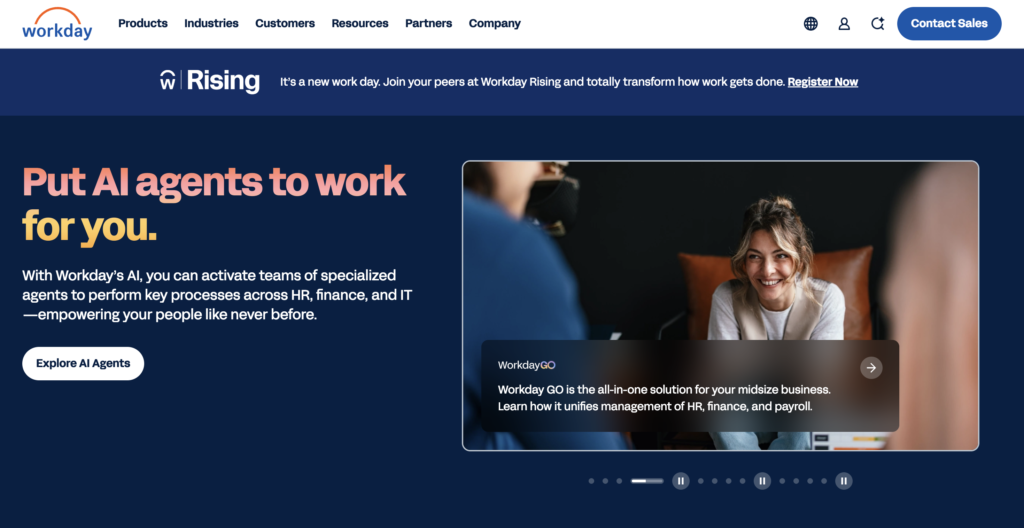
Workday is the alternative I point large, HR-heavy organizations toward, because it treats financial management and human capital management as one cloud system rather than two integrations.
That matters a lot for big counties, state agencies, transit authorities, and public universities where payroll complexity rivals the accounting.
It’s cloud-native and modern, and its support reputation is strong.
Reviewers on Gartner Peer Insights repeatedly single out Workday’s support model as a standout.
If your pain is “my finance and HR systems don’t talk, and I have thousands of employees,” Workday is purpose-built for that.
The tradeoff is that Workday is an enterprise platform first and a government platform second.
It’s expensive, the implementation is a serious undertaking, and some government-specific workflows (deep utility billing, permitting) aren’t its home turf the way they are for Tyler or OpenGov.
Pros:
- Unified finance + HCM
- Modern cloud
- Excellent support reputation.
Cons:
- Premium cost
- Heavy implementation
- Less gov-niche depth in areas like permitting.
Who is it for?
Large agencies and higher-ed institutions where workforce complexity is as big as the accounting.
3. Oracle Fusion Cloud ERP
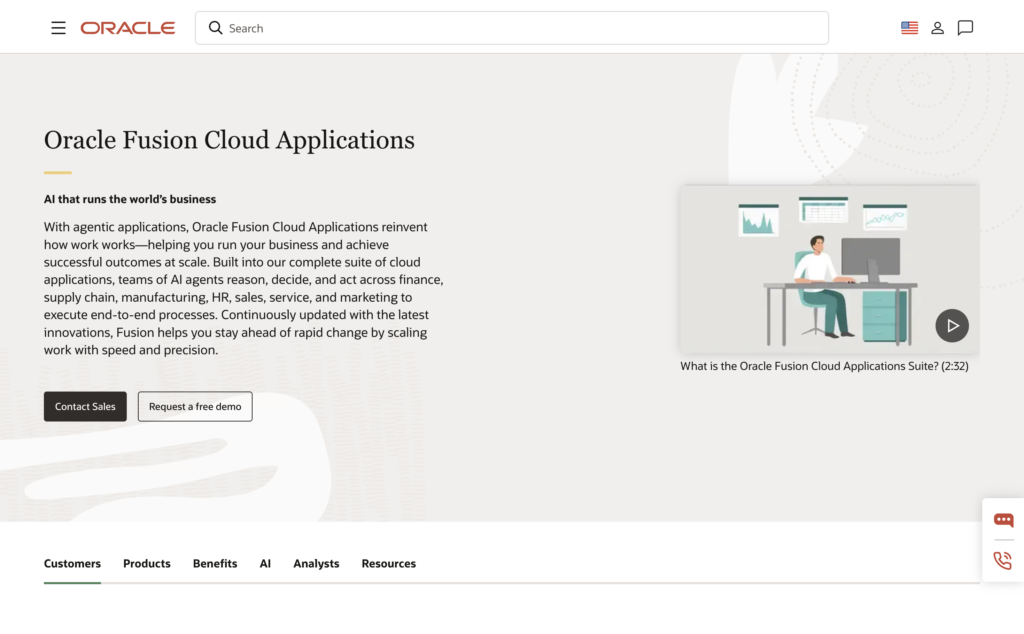
Oracle is the pick when scale and complexity are the whole story.
Fusion Cloud ERP (and legacy PeopleSoft, still running in plenty of agencies) is enterprise-grade software for large state governments and big counties that need deep configurability and can staff the effort to run it.
You get near-limitless depth across financials, procurement, and reporting, plus the resources of one of the largest software companies on earth.
For a state agency consolidating dozens of legacy systems, that gravity is reassuring.
But Oracle carries the classic big-ERP downsides.
Cost, complexity, and a real risk of a painful implementation if you don’t have strong internal or advisory support.
It’s overkill for a small city, and it expects you to bring serious technical capacity to the table.
Pros:
- Enterprise depth and scalability.
- Strong reporting.
- Vendor stability.
Cons:
- Expensive and complex
- Demands mature IT resources.
Who is it for?
Large state and county governments with complex, multi-department needs.
4. CentralSquare Technologies
CentralSquare is the alternative I raise when an agency wants its finance system and its public-safety or community-development tools under one roof.
Its Finance Enterprise product unifies budgeting, payroll, purchasing, and fund accounting into a municipal ERP, and it sits alongside CentralSquare’s permitting, asset management, and utility billing tools.
That breadth is the appeal.
Instead of stitching a finance ERP to a separate public-safety vendor, you get one provider covering both the administrative back office and the resident-facing front office.
CentralSquare is a strong regional fit for many mid-market agencies, though, like any broad suite, depth can vary module to module, so I’d pressure-test the specific pieces you care about during the demo.
Pros:
- Finance + public safety + community development from one vendor
- Public-sector focused.
Cons:
- Module depth varies; evaluate your priority modules closely.
Who is it for?
Mid-market agencies want administrative and public-safety systems consolidated.
5. Euna Solutions

Euna is the smart choice when your real pain is procurement, budgeting, or grants, not your general ledger.
Formerly a collection of brands (Bonfire, Questica, eCivis), now consolidated under one name, Euna specializes in modular public-sector software rather than a full ERP.
Its budgeting product alone supports nearly 1,000 agencies managing over $538 billion in public funds, and its procurement and grants tools are built to integrate with the ERP you already run, whether that’s Tyler Munis, Oracle, Workday, or SAP. Modular procurement starts around $26,500 annually.
The important nuance is that Euna complements a core ERP; it doesn’t replace one.
It won’t give you a general ledger, AP/AR, or permitting. So it’s a true “alternative” only if what you disliked about OpenGov was its procurement, budgeting, or grants modules specifically.
Pros:
- Deep procurement, budgeting, and grants
- Integrates with existing ERPs
- Modular pricing.
Cons:
- Not a full ERP.
- No core GL, AP/AR, or permitting.
Who is it for?
Agencies that want to fix procurement, budgeting, or grants without ripping out their whole financial system.
Key insight: “Alternative to OpenGov” means two different things. If you want to replace the whole ERP, look at Tyler, Workday, Oracle, or CentralSquare. If you only want to replace one weak module, a specialist like Euna is cheaper and faster than a full migration.
Honestly, this is the fork where most agencies get it wrong.
They start a full ERP replacement when they only needed to swap one component, or they patch a single module when the whole platform is the problem.
Figuring out which situation you’re in before you write the RFP is most of the value in an advisory engagement, and it’s exactly what my team at KreativeCoreTech does when a client says they’re leaving OpenGov.
6. Springbrook Software
Springbrook is where I send smaller cities and towns that found Tyler or Oracle too heavy, and OpenGov either too pricey or too much.
It’s a cloud-based ERP and payment platform built for local government that covers finance, accounting, HR, payroll, and utility billing, plus resident-facing online payments.
The pitch is right-sized.
Springbrook isn’t trying to run a 400,000-person county; it’s trying to give a small municipality a clean, modern back office without the enterprise overhead.
For a town that wants cloud fund accounting and utility billing without a multi-year implementation saga, it’s a sensible landing spot.
However, it doesn’t extend into the public safety, courts, and permitting depth that a Tyler offers.
But for a lot of small governments, that breadth was never the point.
Pros:
- Purpose-built for smaller local governments
- Cloud-native
- Integrated utility billing and payments.
Cons:
- Narrower footprint than enterprise suites, with less depth outside core finance.
Who is it for?
Small-to-mid municipalities wanting a modern, right-sized cloud ERP.
7. BS&A Software
BS&A is the alternative I recommend when responsive support and ease of use rank above raw feature count.
It’s a priority I hear constantly from agencies burned by slow vendor support.
It’s a well-regarded local government ERP, especially strong across Midwest municipalities, covering financial management alongside property, tax, and assessment.
Agencies that use it tend to praise the same things. A straightforward system and a vendor that actually picks up the phone.
In a market where “poor support” is one of the most common complaints about the big players, that reputation is worth real money.
BS&A is squarely a small-to-mid local government fit.
It won’t scale to a large county’s complexity the way Tyler or Oracle will, and its strength is concentrated in core finance and property/tax rather than a sprawling module list.
Pros:
- Strong support reputation
- Approachable interface
- Solid finance and property/tax.
Cons:
- Best fit for smaller agencies
- Limited enterprise-scale reach.
Who is it for?
Small to mid-sized local governments that want a system staff can actually use and a vendor that answers.
8. Sage Intacct
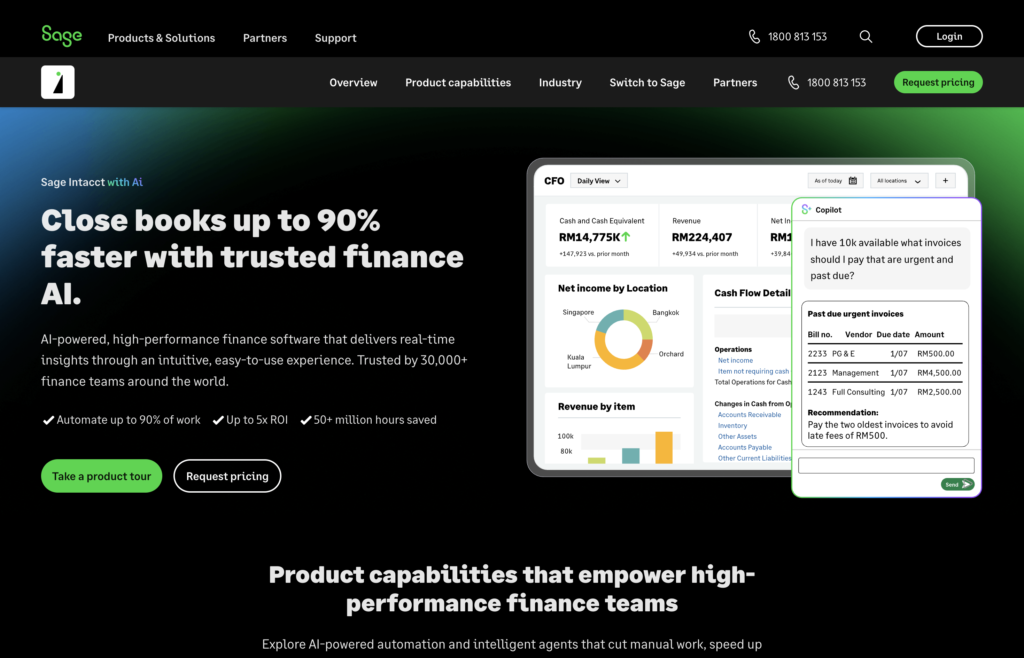
Sage Intacct is the option for special districts, authorities, and government-adjacent nonprofits that need strong fund accounting without a heavyweight municipal suite.
It’s a cloud financial management system with solid multi-entity, multi-fund accounting and reporting, and it integrates cleanly with third-party tools.
Where it wins is financial depth and flexibility at a more accessible entry point than the enterprise ERPs.
For an organization whose core need is clean, auditable fund accounting and reporting, not utility billing or permitting, Intacct does more than its size suggests.
The limit is government-specific breadth.
Intacct is a finance platform, not an end-to-end gov ERP, so if you need permitting, licensing, or public-safety modules, you’ll be integrating other systems around it.
Pros:
- Excellent fund accounting and reporting.
- Flexible, accessible entry price.
Cons:
- Not a full municipal ERP.
- Lighter on gov-specific modules.
Who is it for?
Special districts, authorities, and nonprofits prioritizing accounting depth over municipal breadth.
How to choose the right OpenGov ERP alternative
The right alternative comes down to four questions:
- How big is your agency?
- Which modules do you actually need?
- Do you require public-safety or courts functionality
- How much implementation appetite do you have?
Answer those honestly, and the field narrows fast.
Start with size and scope.
Then check whether you need a full ERP or a module. If OpenGov’s accounting was fine and only procurement or grants frustrated you, don’t run a full replacement.
Finally, be realistic about implementation.
The deepest systems (Tyler, Oracle, SAP) demand the most from your team and timeline.
If you don’t have strong internal IT capacity or outside help, a heavyweight implementation is where projects go to die.
If that still feels like a lot to weigh with public money on the line, that’s the normal reaction. It’s exactly the kind of decision KreativeCoreTech helps public-sector teams work through, from the first shortlist to a signed contract you won’t regret at renewal.
FAQs on OpenGov Competitors
Is OpenGov an ERP?
Yes, OpenGov is a cloud ERP built specifically for U.S. state and local government. It combines fund accounting, budgeting, procurement, permitting, and asset management in one platform, rather than being a single-purpose tool. It’s designed to replace the disconnected legacy systems many agencies still run.
Who owns OpenGov?
Cox Enterprises owns a majority stake in OpenGov. Cox took majority ownership in February 2024 in a deal that valued OpenGov at $1.8 billion, after holding a minority position for several years. OpenGov continues to operate under its own leadership within the Cox umbrella.
How much does OpenGov cost?
OpenGov uses subscription pricing that’s quote-only, so there’s no public price list. Bundled deployments for a mid-size agency generally run around $40,000 to $95,000 per year, scaling with the modules you enable and the number of users. Larger agencies bundling everything can pay considerably more.
Who are OpenGov’s biggest competitors?
OpenGov’s biggest competitors are Tyler Technologies, Workday, Oracle, and CentralSquare for full ERP, plus Euna Solutions for procurement and budgeting. Tyler is the largest and most direct rival, with a much bigger install base. The right competitor to compare against depends heavily on your agency’s size and module needs.
Final Words
There’s no single “best” OpenGov ERP alternative.
There’s a best one for your agency, and it depends on your size, your must-have modules, and how much of an implementation you can realistically take on.
Tyler is the safe, comprehensive default for most mid-to-large governments.
But picking a vendor is the wrong first move.
Diagnose whether you need a full replacement or a single module swap before anyone gets near an RFP, and the vendor choice gets a lot easier.
Govtech is only getting more competitive, and that’s good news for buyers.
Modern cloud options exist at every size and budget now, which means you have more leverage than agencies did even three years ago, as long as you go in knowing exactly what you’re solving for.
If you’re weighing alternatives to OpenGov and want a vendor-neutral read on which system actually fits your organization, that’s what I do at KreativeCoreTech.
Reach out, and I’ll help you build a shortlist, run the evaluation, and get to a decision you’ll still feel good about at renewal.